 A community
Nest’s workflow files describe intended automation. Read their triggers, inputs and write boundaries before relying on the result or attempting to run a copy.
Use the actual source revision
This walkthrough reads Nest revision 0f521ed9d85cf4f03bd5cd68a32b21528d1a5ace. The public repository’s main commit matched that revision when checked for this publication. A source snapshot is not evidence that scheduled jobs ran successfully.
The daily-flock-rebase.yaml source includes scheduled and manual triggers. Its matrix names master, beta and stable, and it passes an upstream ref and patch inputs into a local assembly action. A later local action pushes the assembled branch to the configured destination.
Draw the write boundary
The workflow explicitly requests content-write permission and uses a repository secret for operations that can rewrite destination history. Those are important operational boundaries. Do not run the workflow against a working repository merely to inspect its behaviour, and do not copy credential values into a report.
| Read this field | Question to answer |
|---|---|
| Trigger and branch filters | What causes this workflow to run? |
| Matrix and input refs | Which upstream and patch combination is requested? |
| Local action source | What does the referenced implementation actually do? |
| Destination repository/branch | Where could a successful write land? |
| Run and job results | Did the intended operation complete for this specific revision? |
Worked source review
A synthetic reviewer sees an assembly step followed by a branch-push step. They record two separate questions: whether assembly produced the expected source, and whether the intended destination received it. A workflow file alone answers neither result question.
To review an actual run, collect its commit, trigger, selected matrix entry, relevant logs and destination outcome. A failed or skipped job remains visible in the record. Follow local action references before assuming that their names describe every side effect. This page documents source; it does not activate workflows or provision storage.
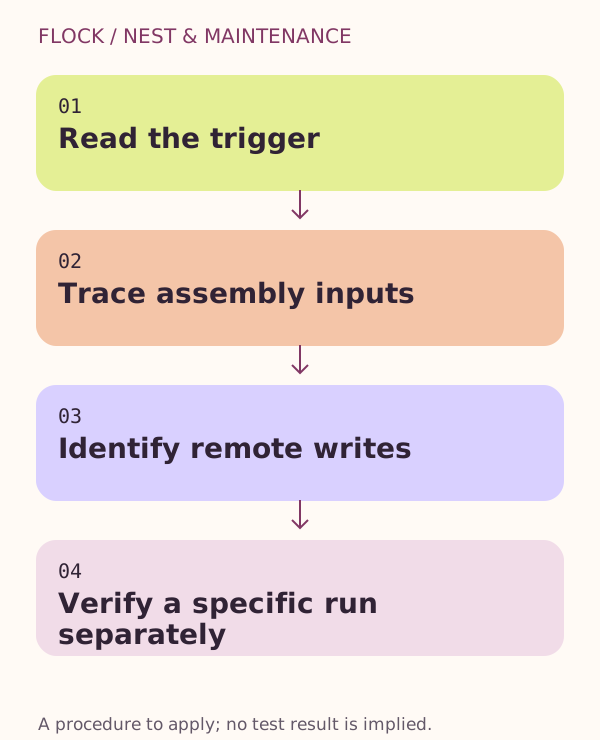
Read the trigger → Trace assembly inputs → Identify remote writes → Verify a specific run separately.
Primary sources
Continue with the next step
Resolve the next specific question
- Read a Nest patch manifest before replaying it
Inspect order, files, source-defined arguments and checkout identity without changing Git history.