 A community
A familiar version label is not enough to identify the executable that built your application. Start with the command you actually ran, then follow its path and record its output.
Check three execution contexts
A shell command, an IDE launch and a CI job can select different SDKs. Pick the context in which the failure occurs. Record its working directory and how Flutter was started. A successful terminal run does not establish which SDK an already-open IDE uses.
In a shell, inspect the executable lookup before changing PATH. On a Unix-like shell, command -v flutter reports the selected command; PowerShell provides Get-Command flutter. An alias or wrapper may require following its definition. Do not paste your whole shell configuration into an issue.
# Unix-like shell — inspect, do not change the selection
command -v flutter
flutter --version
flutter doctor -v

# PowerShell alternative
Get-Command flutter
flutter --version
Compare the project selection
If the project uses FVM, inspect its .fvmrc and the linked .fvm/flutter_sdk. Compare the output of the project invocation with the invocation that failed. Read the IDE’s SDK setting instead of assuming the terminal selection has changed it. Record the exact paths privately; replace personal directory names when sharing.
| Context | What to capture | Mismatch to investigate |
|---|---|---|
| Terminal | Resolved command and version | A different executable precedes the intended one |
| IDE | Configured SDK and launch configuration | Editor still points to an earlier SDK |
| CI | Selection step and version output | Runner cache supplies an unrelated checkout |
A complete diagnostic example
In this synthetic case, a developer’s terminal prints the expected Flock revision, while the IDE’s SDK path still points to the previous Flutter installation. The next useful action is to align the project’s IDE selection and repeat the same reproduction. Reinstalling every SDK would change more variables without explaining the mismatch.
Keep a before-and-after record for each context. If the selected executable is correct but the result still differs, continue with the target, build mode and dependencies. SDK identity is one input to the diagnosis, not a conclusion that the framework is at fault.
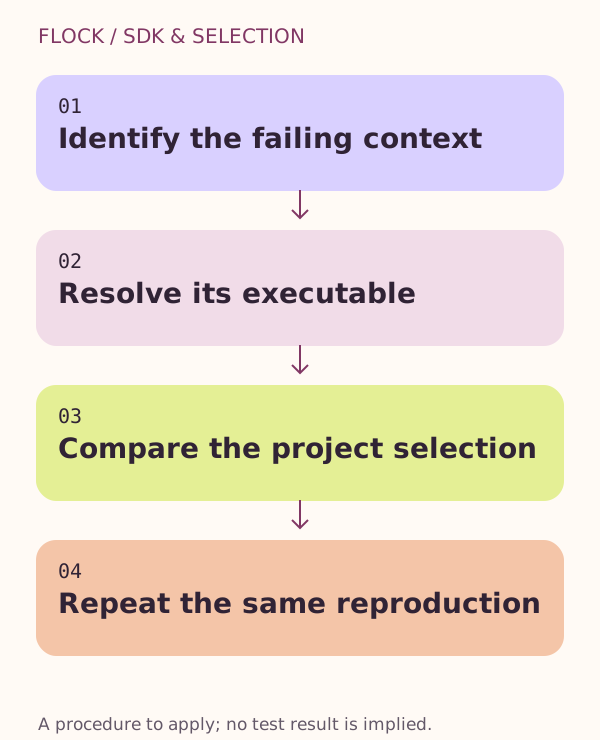
Identify the failing context → Resolve its executable → Compare the project selection → Repeat the same reproduction.