 A community
Read a project configuration before changing an SDK. This inspector checks structure and flags questions to verify; it does not install software or test a build.
Paste a configuration
Public HTTPS repository URLs only in this inspector. Remove secrets and private URLs. Text stays in this tab and is not sent to a server.
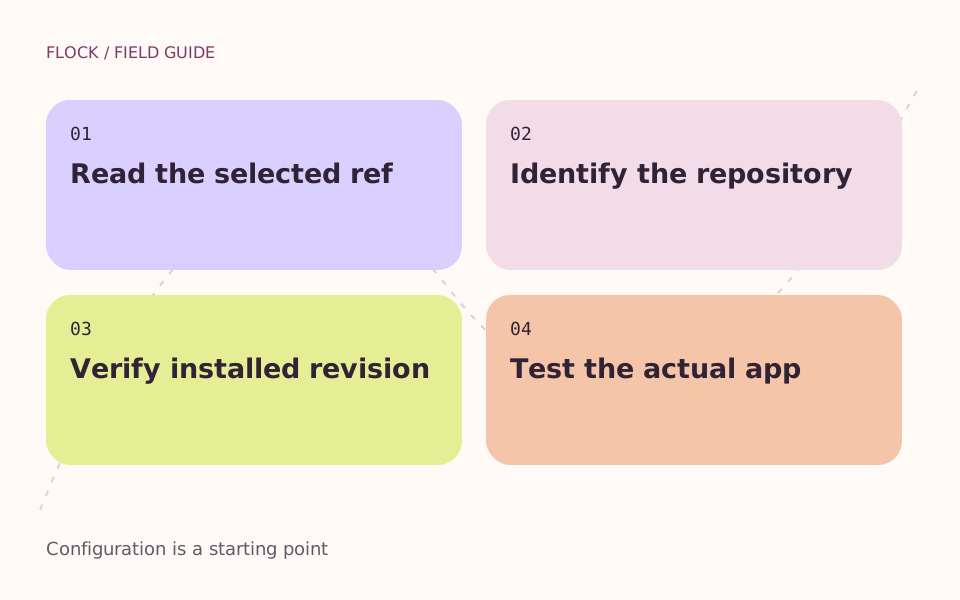
Read the selected ref → Identify the repository → Verify installed revision → Test the actual app.
Read the result correctly
A moving ref such as master, main, stable or beta can identify different commits over time. A version-like string looks more specific, but this page does not verify whether that ref exists or what your installed FVM will resolve.
Manual review
Identify the selection
Read the flutter value. Keep a copy of the current selection before editing it.
Identify the repository
Read flutterUrl when present. If it is absent, check FVM’s global configuration and environment before assuming a default. A local JSON file cannot show those settings.
Verify the installed SDK
After selecting an SDK in your own environment, record its version output and repository. Then run the checks that matter to your app.
The example is a configuration pattern, not a recommendation to ship a moving development branch. Continue with the setup guide and the trial worksheet.