 A community
Choose the acceptance checks before you switch SDKs. A reversible trial answers one question: does this candidate fix your specific blocker without failing the checks your app needs?
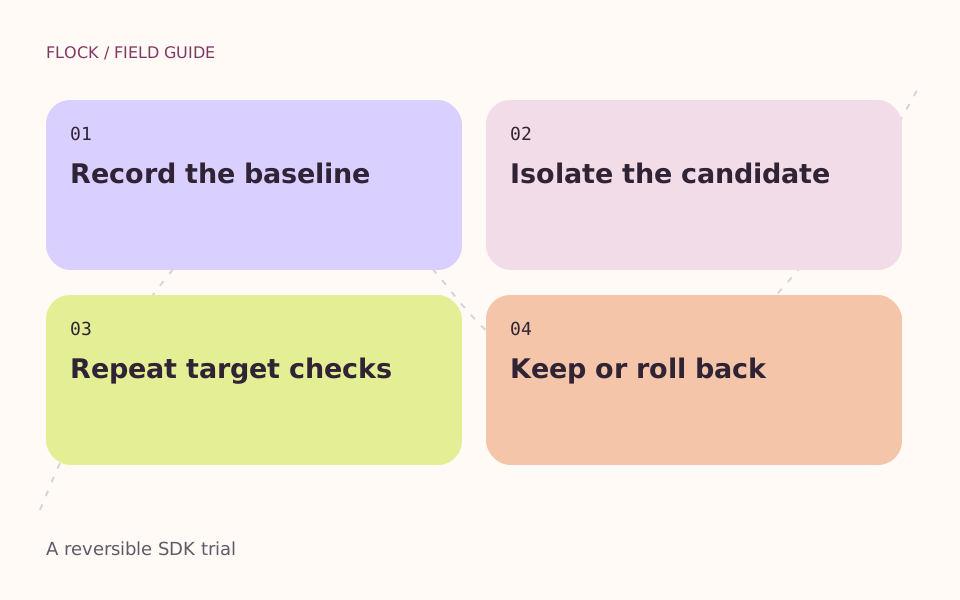
Record the baseline → Isolate the candidate → Repeat target checks → Keep or roll back.
Define the scope
Write down the blocked user action, the target platform and the last known working environment. Avoid a simultaneous SDK change, package upgrade and app refactor: if the result changes, you will not know which change mattered.
Use this trial record
| Evidence | Baseline | Candidate |
|---|---|---|
| SDK repository & revision | Record exact values | Record exact values |
| Package lockfile | Preserved | Same file, unless documented |
| Blocker reproduction | Failure recorded | Not run |
| Analysis / unit / widget checks | Attach separate logs | Not run |
| Actual target build & critical flow | Attach target and mode | Not run |
| Rollback route | Saved configuration | Restore and repeat baseline |
Prepare a separate checkout
Keep app changes out of the SDK comparison. Save the baseline SDK selection and note the package lockfile. Never put signing keys, production credentials or private user records into a public reproduction.
Run the chosen checks
Run analysis and tests separately, then the build and interaction for your real target. A web build does not establish iOS or Android behaviour. An unavailable device is a documented gap, not a pass.
Make a bounded decision
Adopt only after the blocker and critical flows have evidence. Otherwise return to the saved baseline, verify it again and file the smallest useful report. Record what remains untested.
Example decision
A desktop team tests a keyboard-focus fix. The candidate removes the original failure, but its release-mode target build fails. The trial is not accepted: the team keeps the known build, attaches both logs, and continues the investigation. This conclusion does not require a score or a promise about future stability.
Use the SDK inspector for configuration review and the release evidence checklist for the final record.
Sources & further reading
Go deeper on this task
- Branches, tags and exact SDK revisions
Build an SDK identity record that distinguishes a moving name from the commit actually evaluated.
- Compare debug, profile and release results
Choose a Flutter build mode that answers the question you are investigating, and keep mode-specific results separate.
- Separate package changes from an SDK trial
Read pubspec, lockfile and overrides when a Flutter fork comparison also changes package resolution.