 A community
Check whether someone can discover, operate and understand the interaction you changed, using the relevant input and assistive tools.
Define the journey
Choose a short journey: open settings, change a value, close the dialog. List control names and expected focus at each step. Include empty, error and disabled states affected by the patch.
Flutter documents automated guidelines for target labels, size and text contrast, alongside platform inspection tools. Treat those results as one source of evidence. They do not replace observing a keyboard or assistive-technology journey on the target being reviewed.
Run a bounded inspection
- Compare visible and semantics labels in the relevant inspection tool.
- Traverse using keyboard where supported; record order, visible focus and activation.
- Open and dismiss overlays, then check the focus destination.
- Increase text size and inspect wrapping, clipping and reachable actions.
- Exercise errors and disabled states, checking how each change is communicated.
- Retain actual automated guideline results separately.
Inspect rendered target output, not just widget source. A label in code does not establish what an assistive tool announces after widgets are combined. A focus node’s existence does not establish that a user can reach it.
| Moment | Synthetic expectation | Evidence |
|---|---|---|
| Open | Purpose is discoverable | Inspection and announcement |
| Invalid value | Error belongs to field | Error state and navigation |
| Close | Useful focus destination | Before/after focus |
Investigate a removed-row regression
In this synthetic case, a focused Remove action belongs to a list row. Removing the row works visually, but the next keyboard action has no useful destination. A screenshot of the shorter list would miss this problem.
Record starting focus, removal action and expected surviving control. Inspect the result on the target. Explain where focus moves when another row survives and when the last row disappears. These are separate cases because available controls differ.
Limit conclusions to the evidence
State target, input method, text size and journey checked. Preserve failures and untested combinations. “The changed dialog passed these checks” is reviewable; universal accessibility or legal-compliance claims exceed the scope of this procedure.
For a Flock patch, compare the same journey against the baseline SDK. Keep SDK identity, app revision and data fixed. If semantics changed but appearance did not, retain inspection evidence so the reviewer can understand the difference.
Plan a wider audit when shared navigation patterns change. This checklist is a focused regression tool. It identifies a concrete correction without pretending that one automated pass certifies an entire product. Verify the correction by repeating the original failing journey, including its boundary state.
Visual procedure
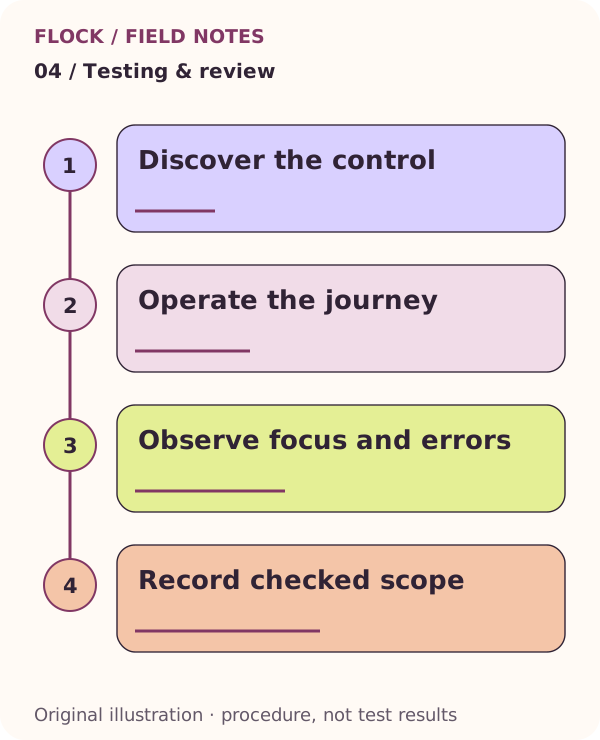
Discover the control; then Operate the journey; then Observe focus and errors; then Record checked scope. This is an explanatory illustration, not a test result.